

Ask your documents
Acriva answers questions about your documents in plain language. It looks for the matching passages in the documents you may see, has the AI write an answer from them, and names its sources. You can ask across all your documents on the page Ask, ask about one document in its viewer, and have a document summarized. To have the app explained or a change proposed, use the AI assistant.
These functions come with the plans Business and Enterprise and with the trial, and as the add-ons Questions about documents and Summaries for Starter (see Subscription). Without Questions about documents, the page Ask, the questions in a document’s tab Chat and the search by meaning don’t appear; without Summaries, the summary doesn’t. The tab Chat shows when you have either. Every built-in role may ask questions and create summaries, except Auditor. In your workspace’s own roles, these are the permissions to ask questions about documents and to see and create summaries.
An answer uses only documents you may see, the same as the documents list and the search. A confidential document you aren’t on the list for, or a document outside your grants, never reaches an answer, and nobody else sees your questions or answers, administrators included.
Ask a question
Section titled “Ask a question”- Select Ask in the sidebar.
- Type your question in the field Ask a question about your documents, for example Which invoices from Müller GmbH are still open?, and select Send. A question has at most 4,000 characters.
- The answer appears while the AI writes it. Stop ends it; nothing of a stopped answer is saved or charged.
Acriva answers only from documents that are in the semantic index, which a document gets into as part of its processing. When an answer finds nothing although the search finds the document by its exact words, the document isn’t in the index yet.
Under the answer, the sources are listed as numbered chips: the documents it is based on, each with its version and page. Select a source to open the document at that version and page. The AI writes only from these passages, and Answers can contain mistakes. Check the sources. When Acriva finds nothing that fits, the answer says so, at no AI credit.
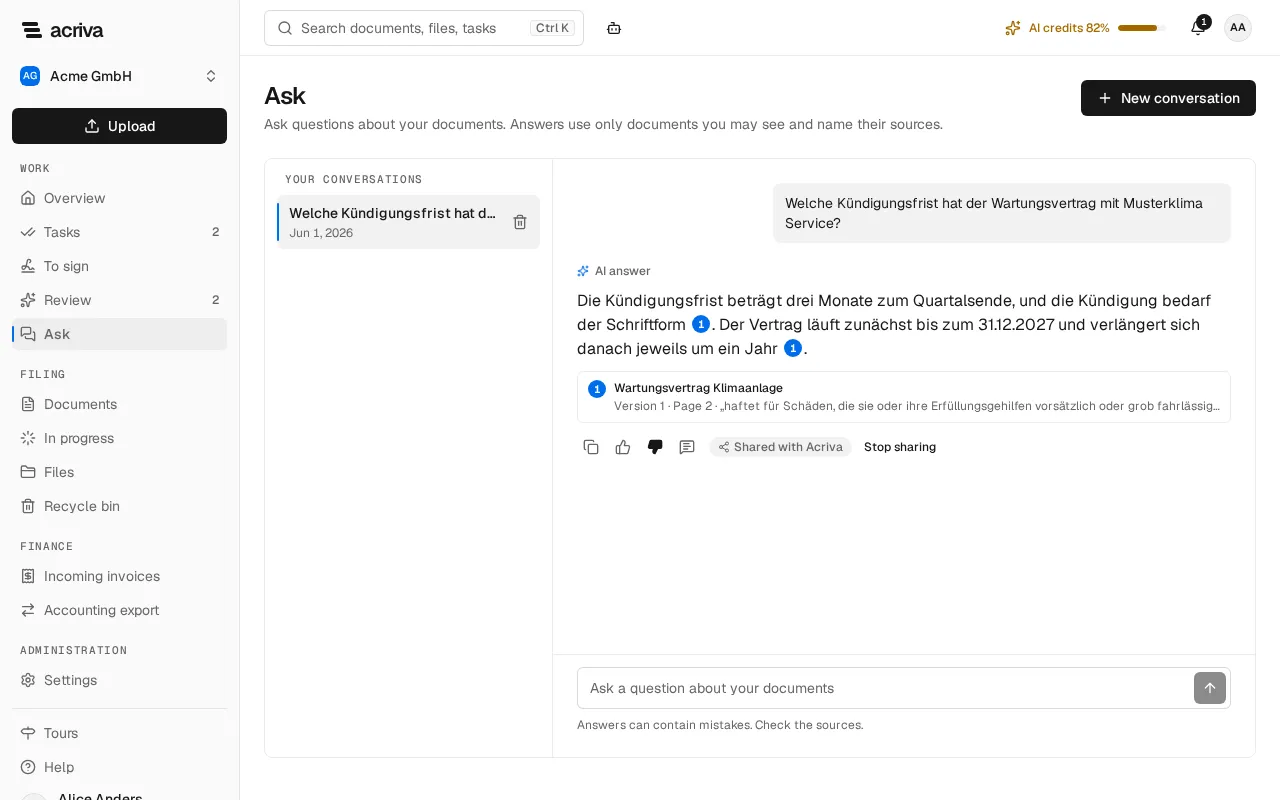
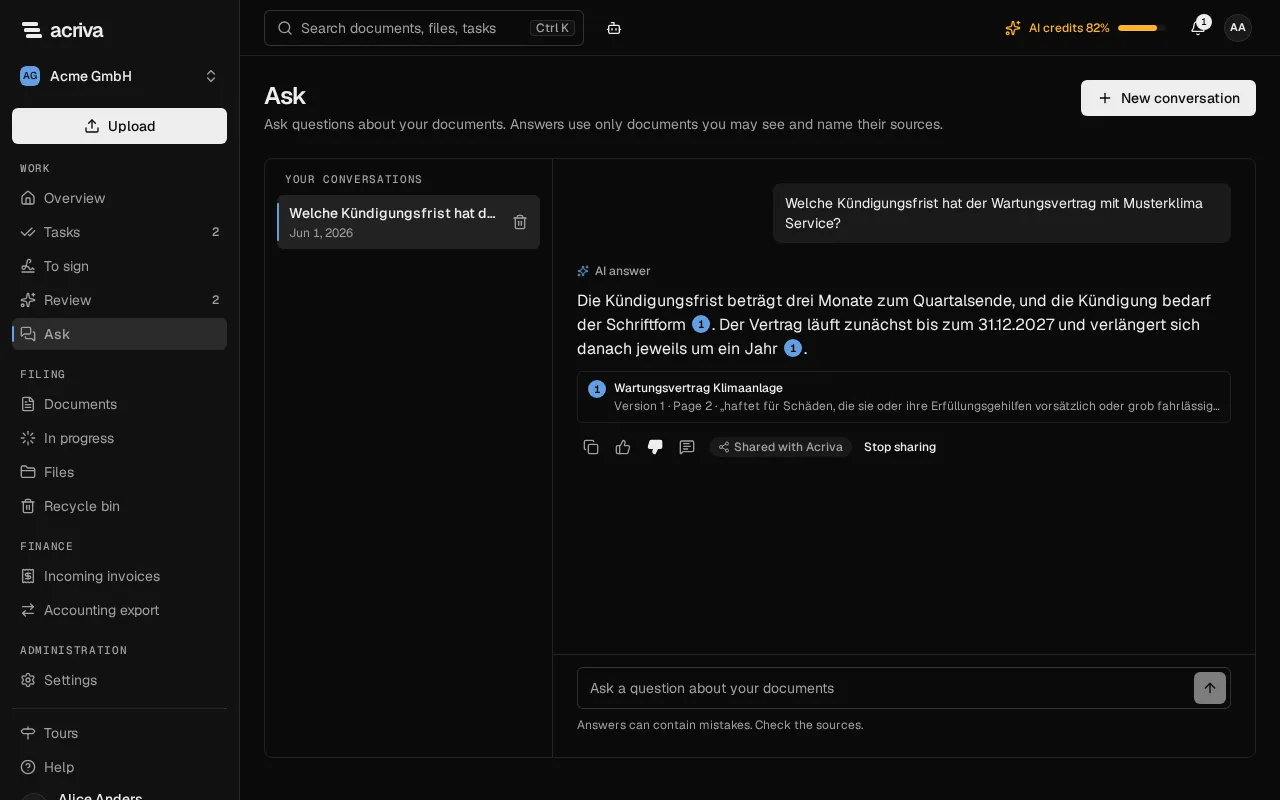
Ask a follow-up question in the same conversation, for example and the ones from March?: Acriva also uses the key words of your previous question (names, numbers and nouns) to find the passages. Copy answer copies an answer’s text.
You can also start from the search: when you type words in the search of the top bar or on the Search page, Ask as a question asks them as a new question on the page Ask.
Your conversations
Section titled “Your conversations”The page Ask lists Your conversations, the last one you wrote in first. New conversation starts another one. A conversation belongs to you alone: nobody else in the workspace can open it.
- A conversation is deleted 90 days after its last message. To delete one earlier, select the bin next to it and confirm Delete. Your documents stay as they are.
- A conversation holds up to 200 messages. Then Conversation full asks you to start a new one.
- While an answer is still being written, a second question in the same conversation is refused with An answer is still being written. Ask again once the answer is finished.
- When your account is removed from the workspace and anonymized, your conversations are deleted with it.
Ask about one document
Section titled “Ask about one document”- Open the document. On the right, select More at the end of the tabs, then Chat. Once open, the tab Chat stands in the row.
- Type your question in the field Ask a question about this document and send it.
The tab names the version the conversation is about, for example Conversation on version 1. The answer comes from this document only and names the pages it comes from. Select a source to go to that page.
A conversation about a document belongs to one version of it. When someone adds a new version, your conversation stays readable, and There is a newer version offers Start a conversation on the current version. Nothing of the old conversation is carried over, because the new version may say something else. Conversations on other versions lists your conversations on the document’s other versions.
When a version has no text the AI can read, for example a scan whose text wasn’t recognized, No text the AI can read appears, and neither questions nor a summary are possible for it.
Have a document summarized
Section titled “Have a document summarized”The card Summary at the top of the tab Chat summarizes the version you’re looking at in a few points.
- Open the document and select the tab Chat (under More while another tab is open).
- Select Create summary. It costs 1 AI credit.
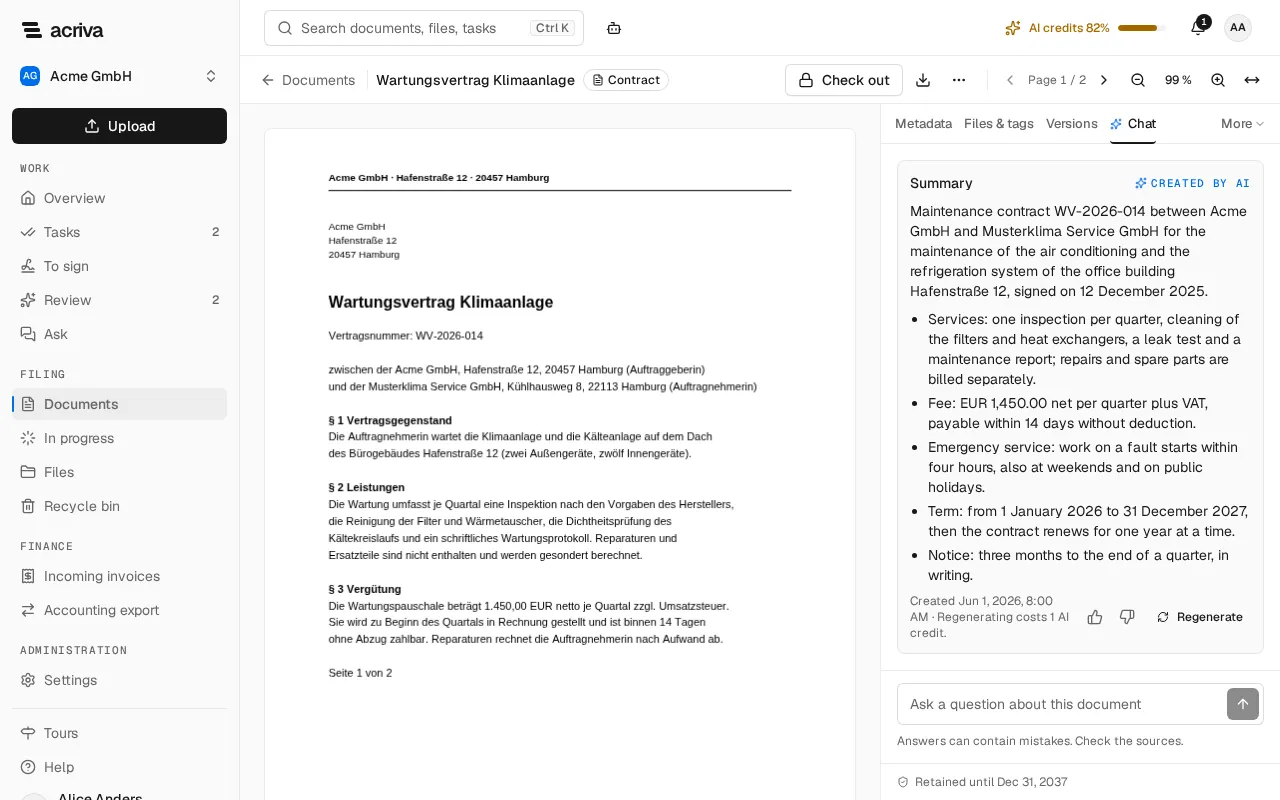
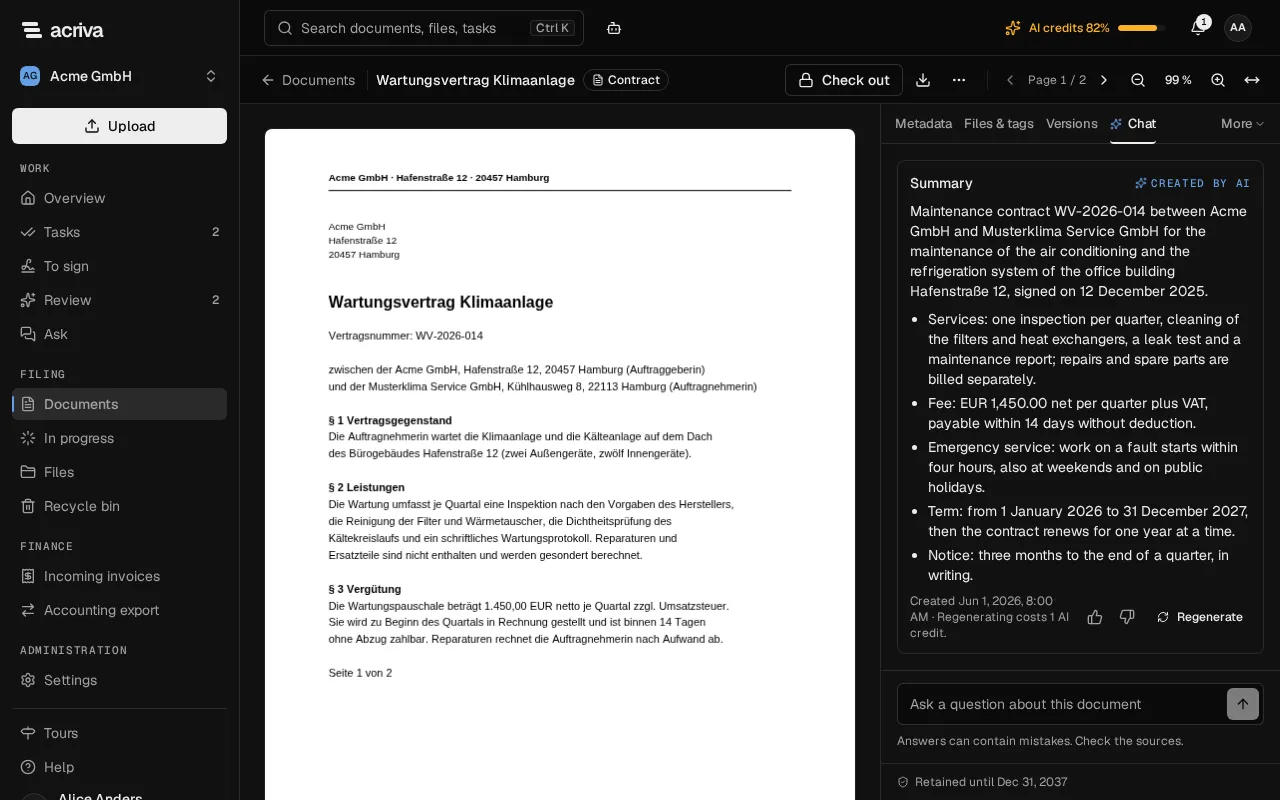
The summary is kept per version and language: whoever opens the same version in the same language sees it again, at no cost. Regenerate writes it anew and costs 1 AI credit again. A summary is marked Created by AI, with the time it was created.
Why an answer shows “Content no longer available”
Section titled “Why an answer shows “Content no longer available””An answer that used a document you can no longer see shows Content no longer available instead of its text. That happens when your access to the document was taken away, when it became confidential without you on its list, or when it was deleted. It doesn’t matter whether the answer named the document as a source: what counts is every document the AI read for the answer.
If you get the access back, the answer shows again. An answer whose document was deleted for good stays empty, and a conversation about a deleted document is removed.
You can rate every answer with Helpful or Not helpful and share a bad one with Acriva: see Rate AI answers.
What it costs
Section titled “What it costs”Questions and summaries are paid in AI credits, from the same monthly AI credits as the AI recognition:
| What | AI credits |
|---|---|
| An answer to a question | 1 |
| A summary, and Regenerate | 1 |
| Showing a summary that exists | 0 |
| An answer that found nothing | 0 |
| An interrupted or stopped answer or summary | 0 |
| The search by meaning | 0 |
If the AI isn’t set up in your environment, AI not configured appears. An answer that breaks off shows Answer interrupted and Nothing was charged. Try again. When the AI credits of the month are used up, AI credits used up appears and nothing is charged. Questions work again next month or once more credits are booked. If the AI doesn’t answer, The AI didn’t answer appears and nothing is charged either. If the AI finishes without writing an answer, The AI returned no answer appears, nothing is charged, and you can send the question again. The page AI usage shows the credits used, with the steps Chat and Summary.
What the AI receives
Section titled “What the AI receives”For a question across your documents, the AI receives your question, the earlier questions and answers of the conversation, and the up to 8 best matching passages from documents you may see. For a question about one document or a summary, it receives that version’s text; for a long document, a question sends only the passages that fit best. Acriva sends them through its AI gateway only to AI models that run in the EU, at providers that keep no copy and don’t train on them (see AI recognition). Every AI call is recorded in the audit log, without your question and without the answer.