

Webhooks
A webhook endpoint is an HTTPS address of one of your own systems, such as your ERP or ticket system. The Webhook card of a workflow sends it a signed call, for example when an invoice was approved, so that system doesn’t have to ask Acriva. You find the endpoints in the settings under Webhooks.
Who manages endpoints
Section titled “Who manages endpoints”- To see the page you need the permission Configure the workflow templates, and manage every workflow and the absences of others.
- To add, change and delete an endpoint and to renew its secret you need Manage outbound connections. The built-in roles Owner and Admin have it.
- Adding, changing and renewing are part of the Workflow designer add-on (see Who has the designer).
- Without Manage outbound connections, the list shows an endpoint’s address only up to its host (
https://erp.example.com/…): a receiver’s token often sits in the rest of the URL.
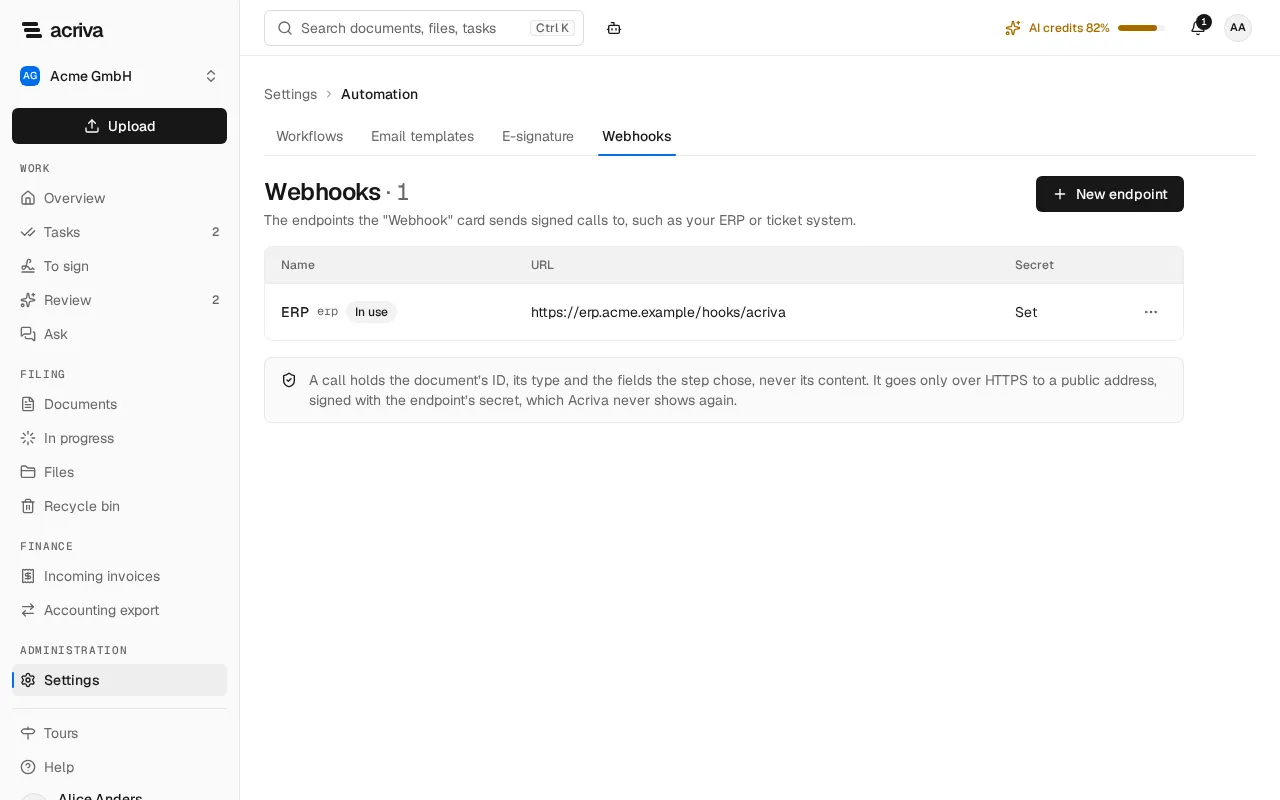
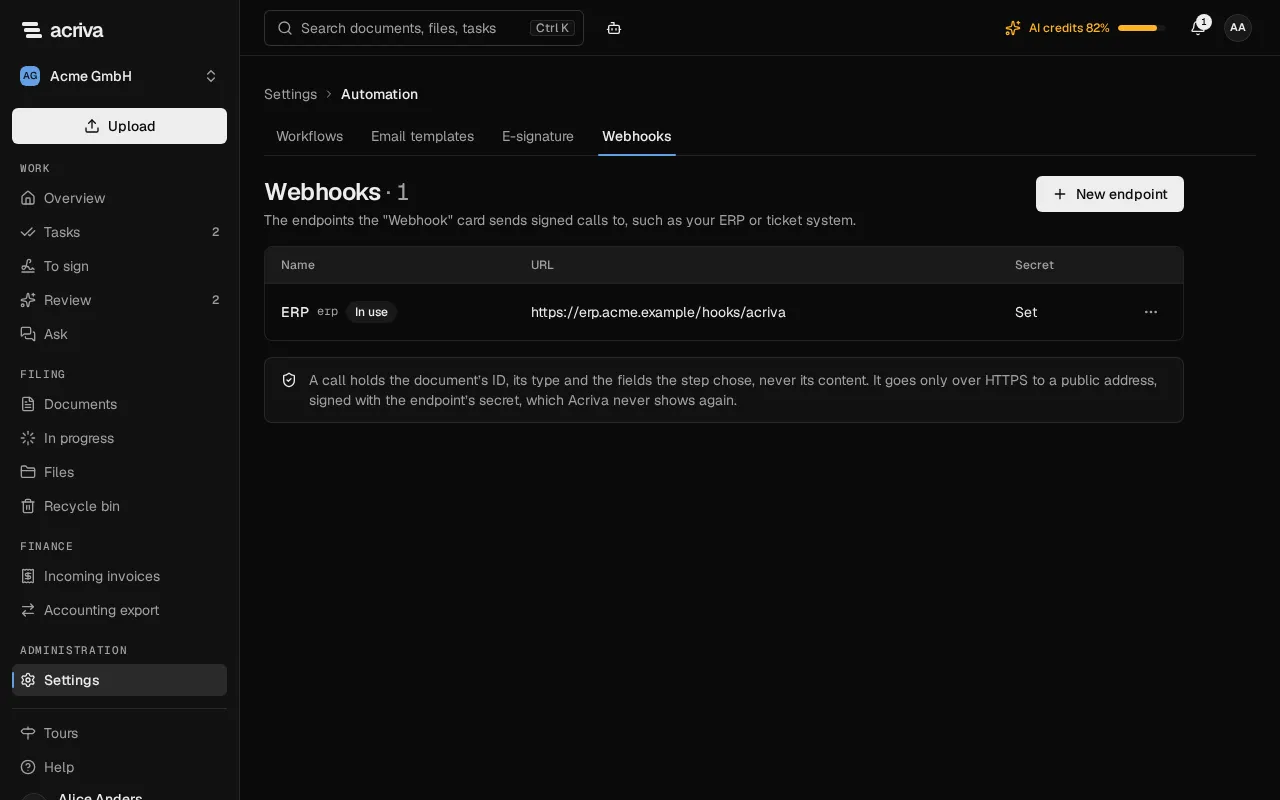
Add an endpoint
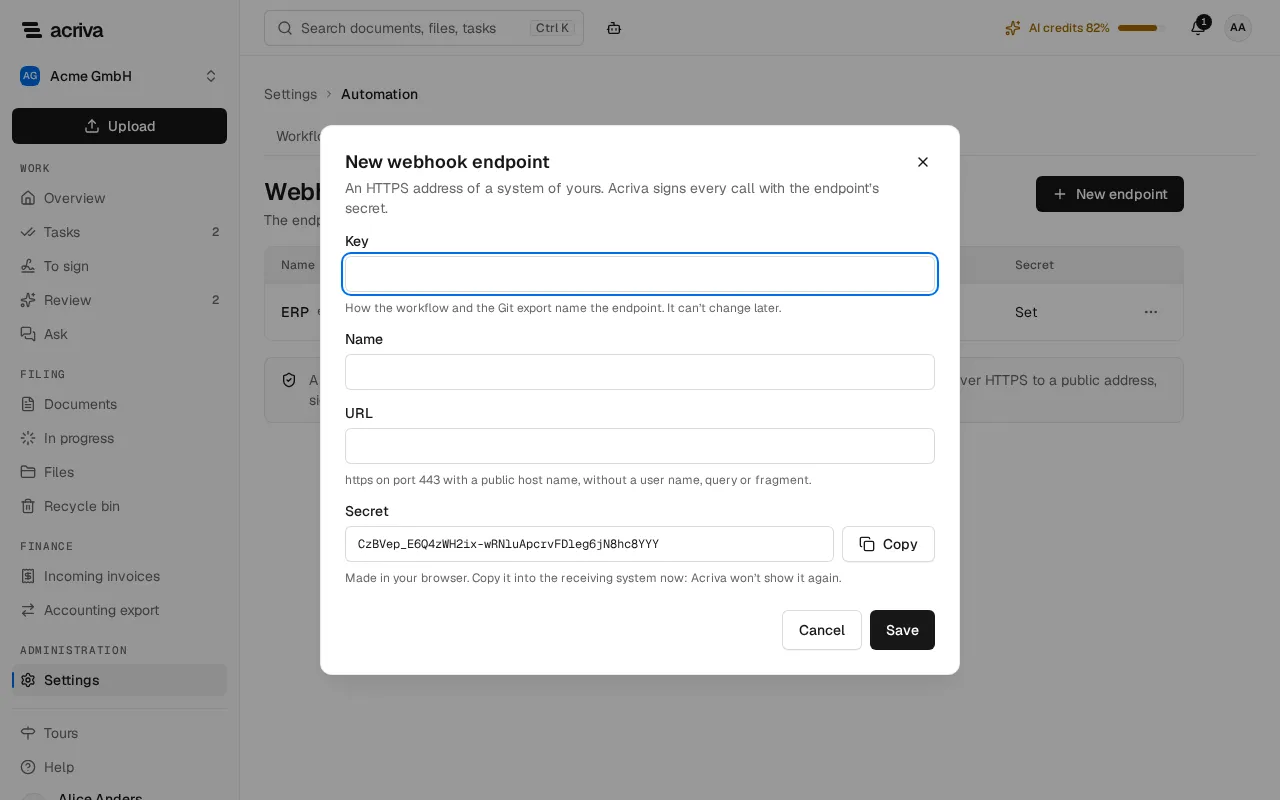
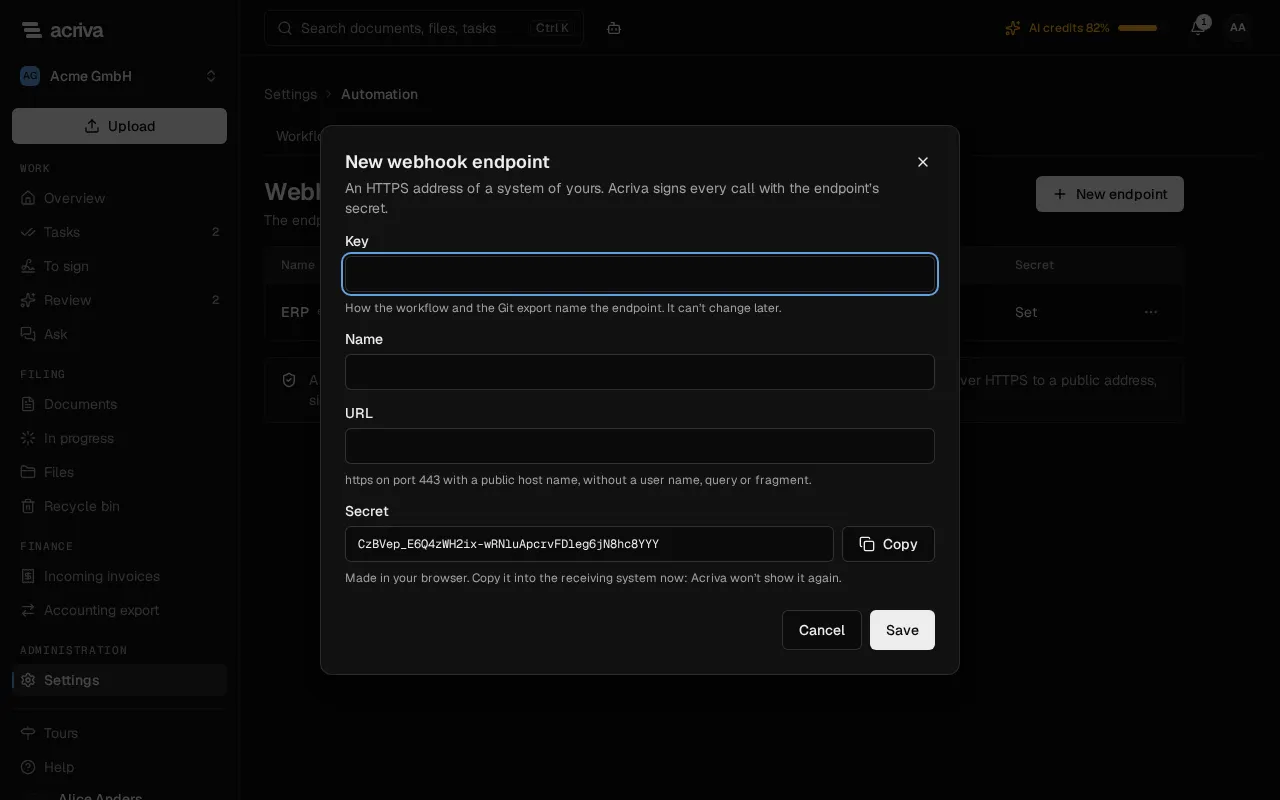
Section titled “Add an endpoint”- Select New endpoint.
- Enter the Key: how the workflow and the Git export name the endpoint, such as
erp. It starts with a lowercase letter and can’t change later. - Enter the Name and the URL. The URL uses
httpson port 443 with a public host name, without a user name, a query or a fragment. Acriva refuses addresses in private networks and its own addresses. - Copy the Secret into the receiving system. Your browser made it; Acriva stores it encrypted and never shows it again.
- Select Save.
A workspace has at most 20 endpoints.
Renew a secret
Section titled “Renew a secret”Select New secret in the endpoint’s menu, copy the new secret into the receiving system, and select Save new secret. For 24 hours every call carries two signatures, one with the new and one with the previous secret, so the receiving system can switch without missing a call.
What is sent
Section titled “What is sent”The workflow goes on without waiting for the receiver. Each call is a POST with a JSON body of at most 64 KiB:
{ "id": "01a18af9-95eb-792e-ad14-149bc77cf4ac", "event": "invoice.approved", "occurredAt": "2026-10-30T08:15:00.000Z", "tenantId": "…", "workflow": { "definitionId": "…", "version": 3, "instanceId": "…", "step": "notifyErp" }, "document": { "id": "…", "type": "incoming-invoice" }, "fields": { "invoice.number": "R-4711", "invoice.grossAmount": "1190.00" }}fields holds only the fields the step chose, at most 20, with dates as 2026-11-03 and amounts with a decimal point. A call never holds the document’s content, its text, a summary, comments or the names of people.
Acriva tries a call again after a connection error, a timeout, 408, 429 or a 5xx answer, at 5 minutes, 1 hour, 6 hours and 24 hours after the first attempt. Any other answer outside 2xx, a redirect among them, ends the delivery at once. The workflow’s history and the document’s audit log show whether the call was delivered.
A step sends nothing, and takes its Skipped exit with the reason in the history, when the document is confidential and the card doesn’t allow it, when the endpoint is no longer on the list, when the workflow already made 20 calls, or when the workspace queued 500 calls in the last 24 hours. While a workspace is suspended, it makes no call, and a waiting call ends as not delivered.
Check a call in the receiving system
Section titled “Check a call in the receiving system”Every call carries these headers:
Acriva-Timestamp: the time of the call in Unix seconds.Acriva-Signature:v1=and the hex HMAC-SHA256 of<timestamp>.<body>with the endpoint’s secret; during a renewal a secondv1=entry, comma-separated.Idempotency-Key: the call’sid, the same on every attempt.
The receiving system should:
- compute the signature over the body’s exact bytes, as they arrived, and compare it with each
v1=entry in constant time; - refuse a timestamp older than 5 minutes;
- ignore a call whose
idit already handled, as a call can arrive more than once.
const crypto = require('node:crypto');
function verify(secret, timestamp, signatureHeader, rawBody) {  if (Math.abs(Date.now() / 1000 - Number(timestamp)) > 300) return false;  const expected = crypto    .createHmac('sha256', secret)    .update(`${timestamp}.`)    .update(rawBody)    .digest('hex');  return signatureHeader.split(',').some((entry) => {    const given = Buffer.from(entry.trim().replace(/^v1=/, ''), 'utf8');    const wanted = Buffer.from(expected, 'utf8');    return given.length === wanted.length && crypto.timingSafeEqual(given, wanted);  });}