

Subscription
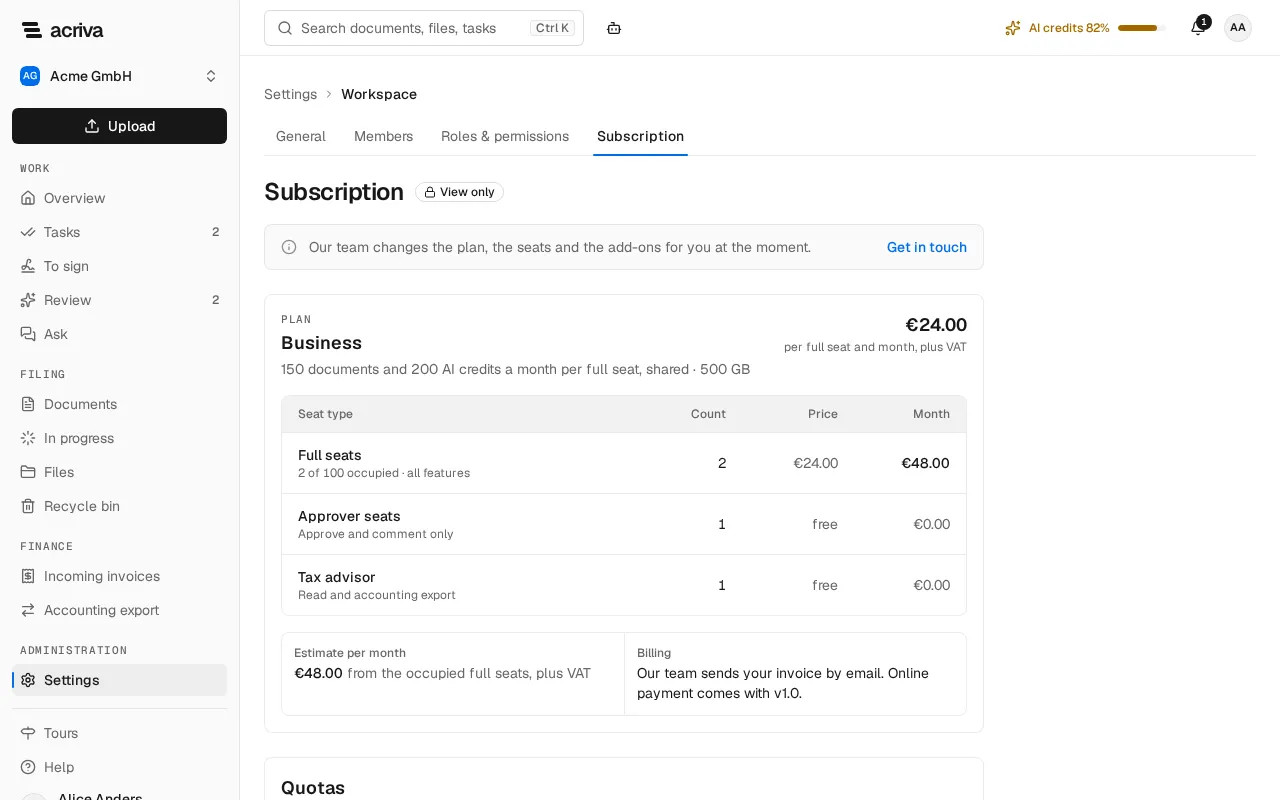
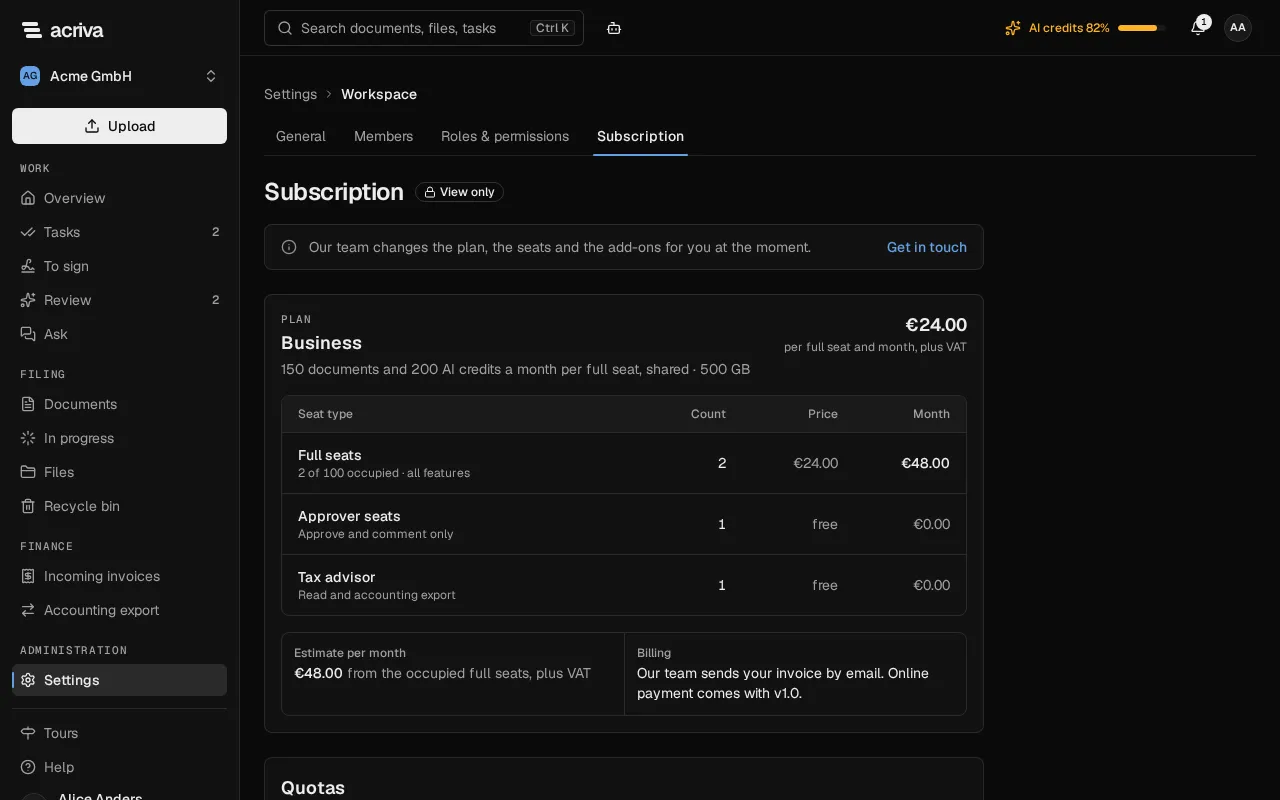
The page Subscription shows the plan of your workspace and what it uses this month. Owners and admins open it under Settings, in the category Workspace. The page only shows the subscription: our team changes the plan, the seats and the add-ons for you. Select Get in touch to write to us; the message names your workspace.
The plans
Section titled “The plans”Every workspace has one plan. The plans differ in how many full seats they take, the storage and a few features:
| Plan | Full seats at most | Storage | Single sign-on, API keys, every workflow template |
|---|---|---|---|
| Starter | 10 | 50 GB | – |
| Business | 100 | 500 GB | included |
| Enterprise | 250 | 2 TB | included |
Each full seat adds documents and AI credits for the month to a pool the whole workspace shares. On Starter the pool holds at least 300 documents and 300 AI credits. The plan card names your plan’s numbers and its price per full seat. A new workspace starts with a 14-day Trial: the features of Business, up to 25 full seats and 20 GB. Our team can agree different numbers with you; the card then shows yours.
Plan and seats
Section titled “Plan and seats”The plan card names the plan, the documents and AI credits each full seat adds per month, and the storage. The table counts the seats:
- Full seats cost the plan’s price per month. An open invitation into a full seat occupies one until it expires.
- Approver seats and Tax advisor seats are free. An approver views, approves and comments on their own tasks; a tax advisor reads the documents except HR documents and exports for the accounting (Members).
Estimate per month multiplies the occupied full seats by the price. The Starter plan costs at least its minimum; the card says so when the minimum applies. During the trial the card shows the days left, for example Trial · 9 days left.
When every full seat of the plan is occupied, inviting someone into a full seat, or giving a member a role that needs one, is refused; free seats are still possible. If more full seats are occupied than the plan has (for example after a change of plan), the card says so. Nobody loses access, and a new full seat is possible again once fewer are occupied.
Quotas
Section titled “Quotas”Quotas shows this month’s Documents, AI credits and Storage against what the full seats bring into a shared pool. From 80 % a meter turns to the warning colour, and at 100 % to red. Above 80 % of the AI credits, owners and admins also see AI credits n% in the top bar (on a phone, in the menu).
- Once the AI credits are used up, new documents are still captured and go to review. Owners and admins see the notice AI quota used up above the top bar, with Extend the quota.
- Once the documents of the month or the storage are used up, an upload is refused. The message names the pack that adds more: a Document pack or a Storage pack.
- Documents that arrive by email are still taken in when the month’s documents are used up. The card counts them, for example 2 documents arrived by email beyond the quota this month. When the storage is full, the inbox turns emails away for the time being, and the sending mail server tries again later.
- With the add-on E-signature, the card also shows Signatures (SES): this month’s simple electronic signatures against 100 a month. Once they are used up, the card Send for signature skips its step until the next month; our team can raise the bound for your workspace.
Add-ons
Section titled “Add-ons”Add-ons lists the extras with Booked or Not booked; one your plan already has reads Included in the plan and Booked:
- Public API: API keys for your own integrations.
- Workflow designer: draw your own workflows on a canvas, with labelled steps, a check before publishing, versions and a test run with recent documents; an add-on for Business and Enterprise, included in the trial, not available for Starter (see Workflow designer).
- Questions about documents, Summaries: questions about your documents with sources, and a summary of each document; included in Business, Enterprise and the trial, add-ons for Starter.
- AI assistant: explains Acriva, finds its way around the app and proposes changes that run only after you confirm them; included in Business, Enterprise and the trial, an add-on for Starter (see AI assistant).
- E-signature: simple electronic signatures (SES) in the workspace and the card Send for signature in the workflow designer; an add-on for Business and Enterprise, not for Starter and not in the trial.
- Document pack, Credit pack: 500 more documents or AI credits a month.
- Storage pack: 100 GB more storage.
To book one, select Get in touch. Invoices are listed here from v1.0; until then our team sends them by email.
After the trial
Section titled “After the trial”A new workspace starts with a 14-day trial. When it ends without a plan, the workspace is read-only: every member sees the notice “Your trial ended on …” above the top bar. Owners and admins find the link Subscription in it; everyone else is asked to turn to an administrator.
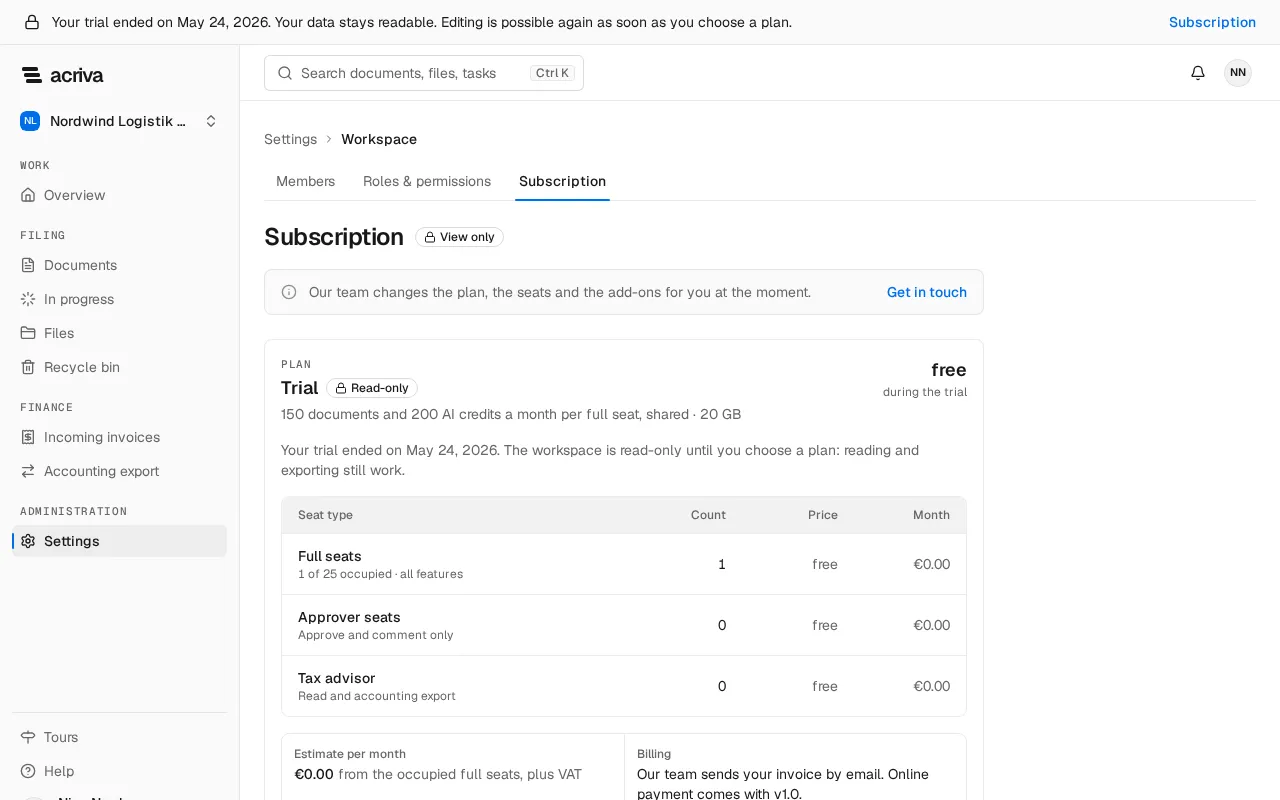
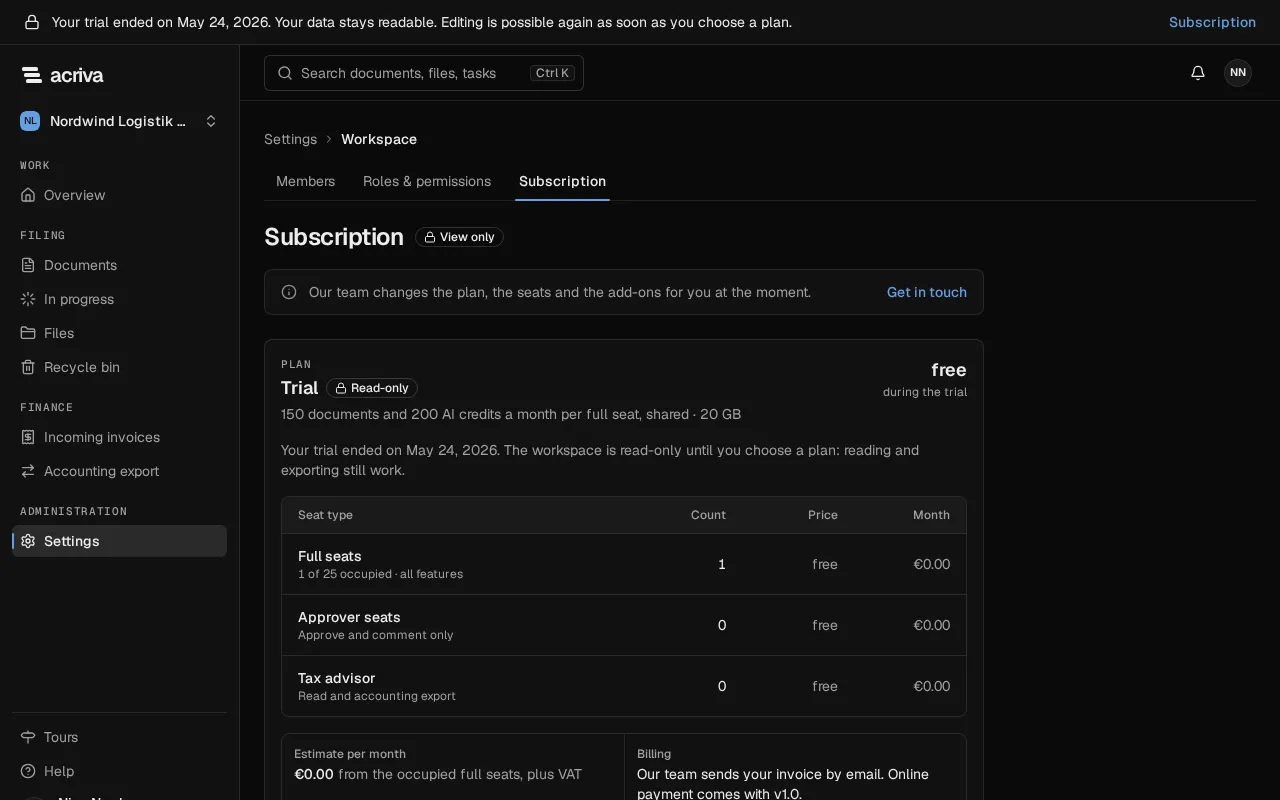
Reading, searching and downloading still work, and the buttons that would change something are hidden. In a read-only workspace you can still:
- export invoices for the accounting (DATEV) and the tax auditor’s export (Tax audit);
- verify the audit log’s chain;
- remove members and revoke open invitations;
- revoke API keys;
- mark notifications as read;
- skip or finish the setup assistant.
Everything else is refused, also through the API. Emails to the workspace’s addresses are turned away, and the inbox’s email log lists them as Refused: read-only. Editing is possible again as soon as a plan is chosen.