

Create a document from a template
A template is a Word document of the type “Template” that someone who manages templates has checked and released. It creates documents of one type, such as contracts or letters. When you create a document from it, Acriva fills its placeholders with the values you confirm and stores the result as a new document. You need the plan’s templates and the right to add documents. To create one document per row of a data table at once, use Bulk generation.
Start from a document or a file
Section titled “Start from a document or a file”- From a document: open the document and select Create from template in its toolbar. The document is the source: its values fill the form, and its file is suggested.
- From a file: open the file and select Create document next to Add document. The new document goes into this file.
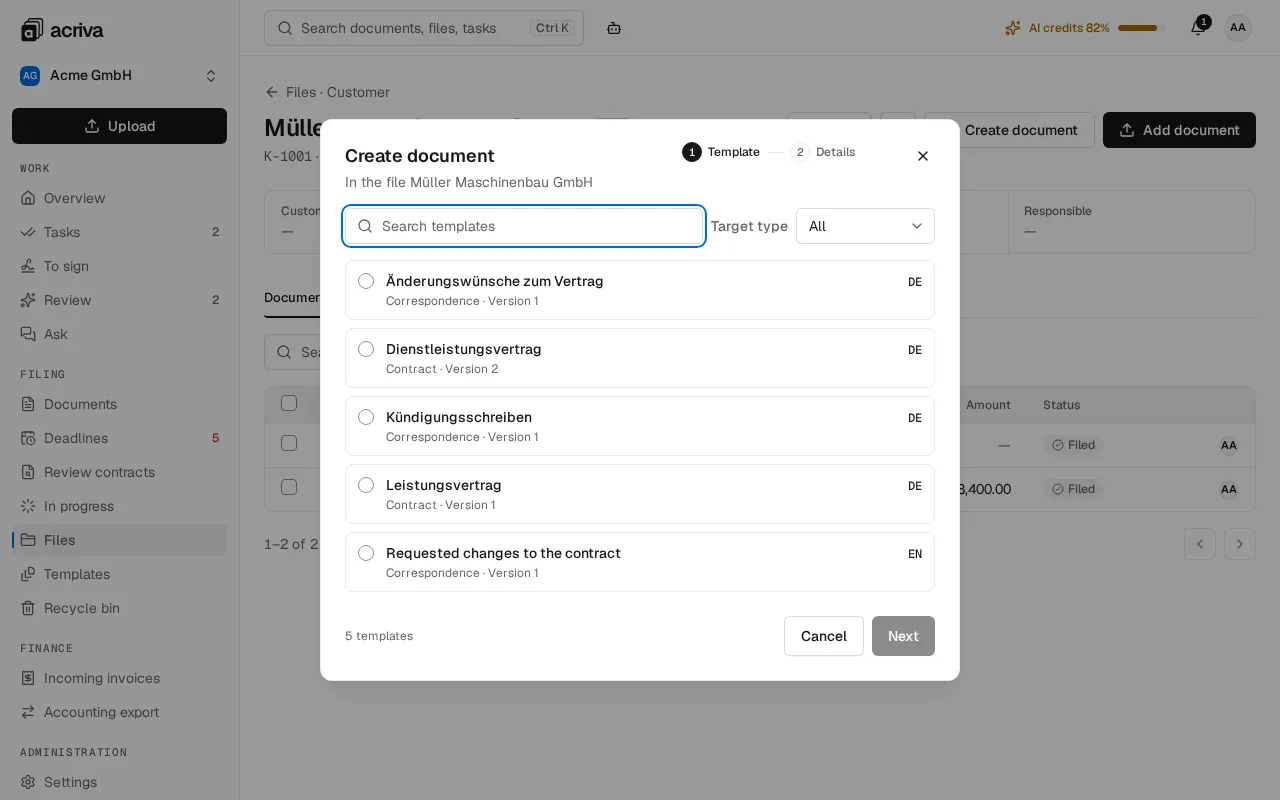
Choose the template
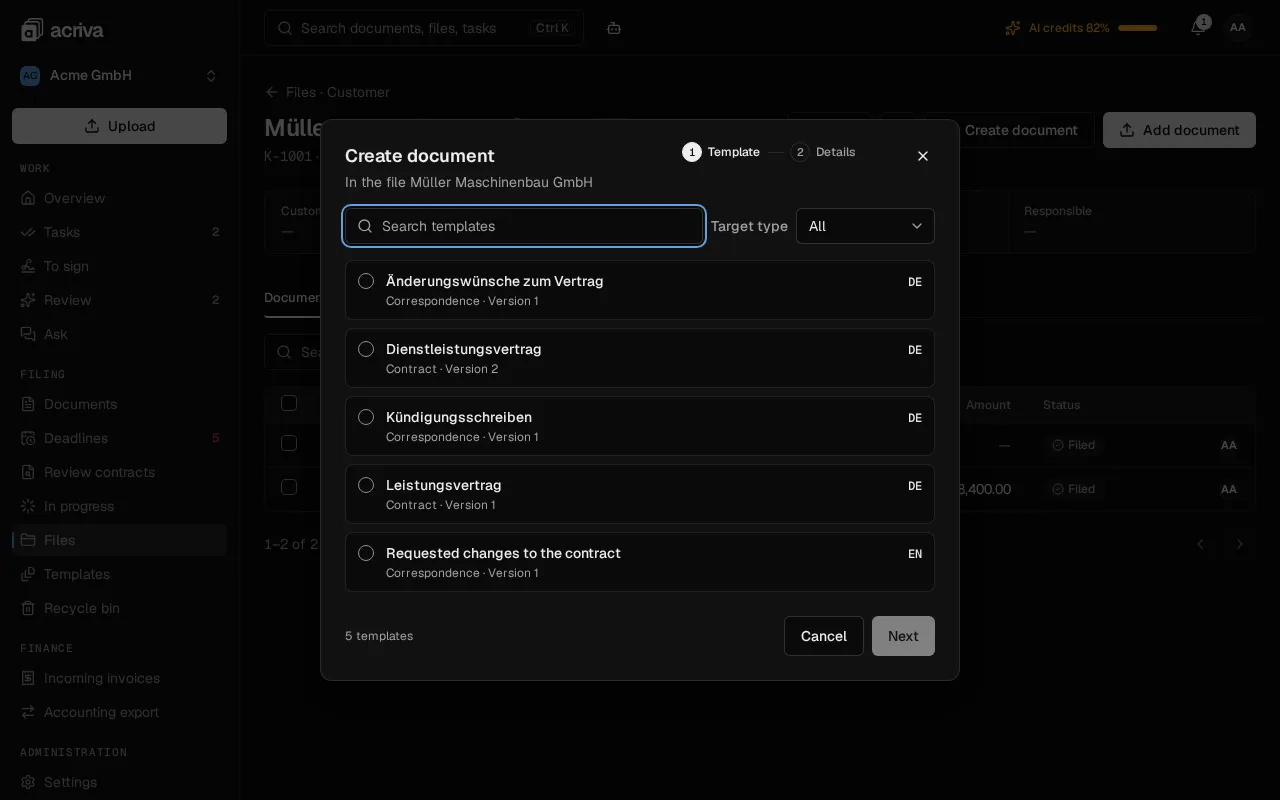
Section titled “Choose the template”The first step lists the templates you can read. Search for one with Search templates, or narrow the list with Target type: from a document it starts on the document’s type when a template creates it, otherwise on All. A template without a released version is listed as Not released – no released version yet and can’t be chosen.
Choose a template and select Next.
Check the details
Section titled “Check the details”The second step shows the form of the type the template creates. The values Acriva found are filled in, and each says where it came from: Source for a value of the source document’s field with the same name, File for the file as the partner. You can change every value.
Below the form:
- Title: the new document’s title. When the template has a Title pattern, Acriva fills it in as this step opens, from the values found and the file; otherwise the title is the template’s name. It doesn’t follow later changes to the form, so check it before you create the document. You can change it.
- File: where the new document goes. Choose another one, or No file.
- Confidentiality: when the source document is confidential, the new one is too, with the same list of people. The field shows Confidential and can’t be changed.
- Start a workflow afterwards: shown if you may start workflows. The list holds the workflows that can start on the new document’s type, those that start on their own for this type and those that start by hand only. The workflow starts as you once the new document is processed.
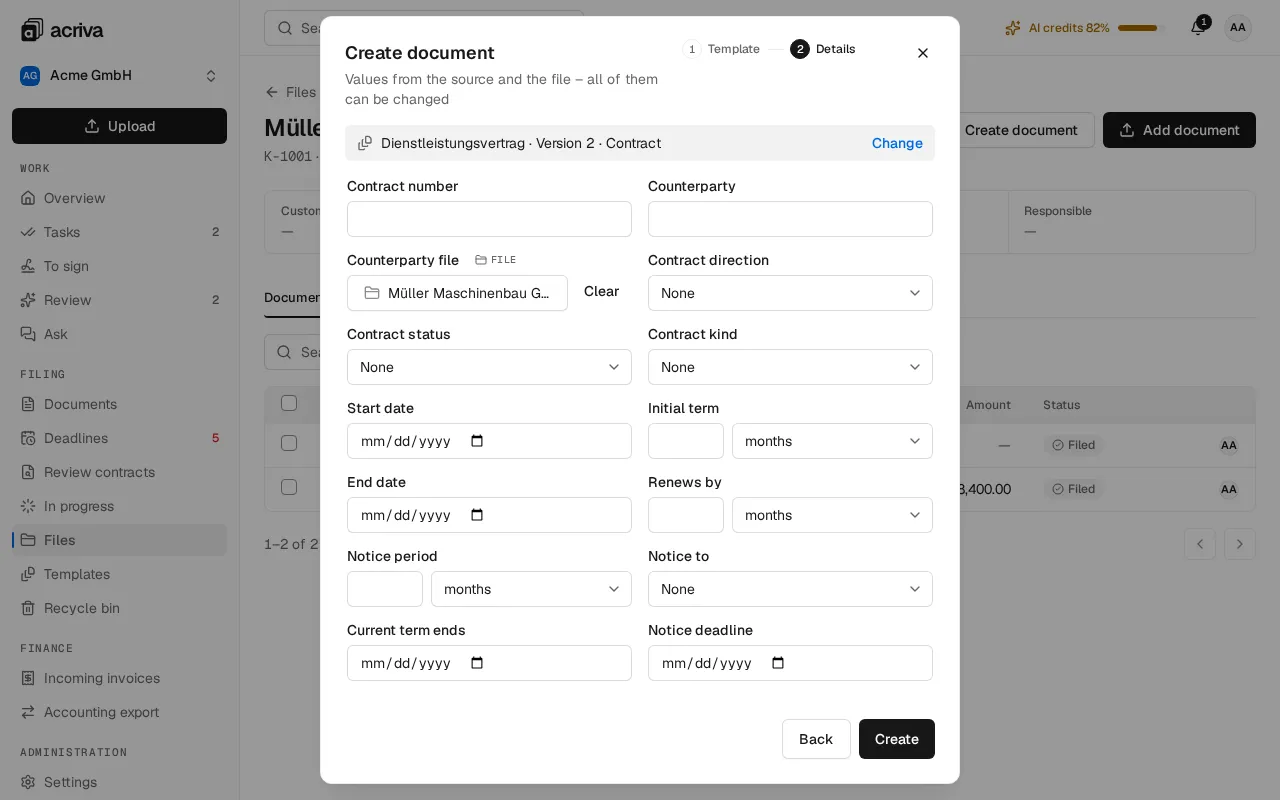
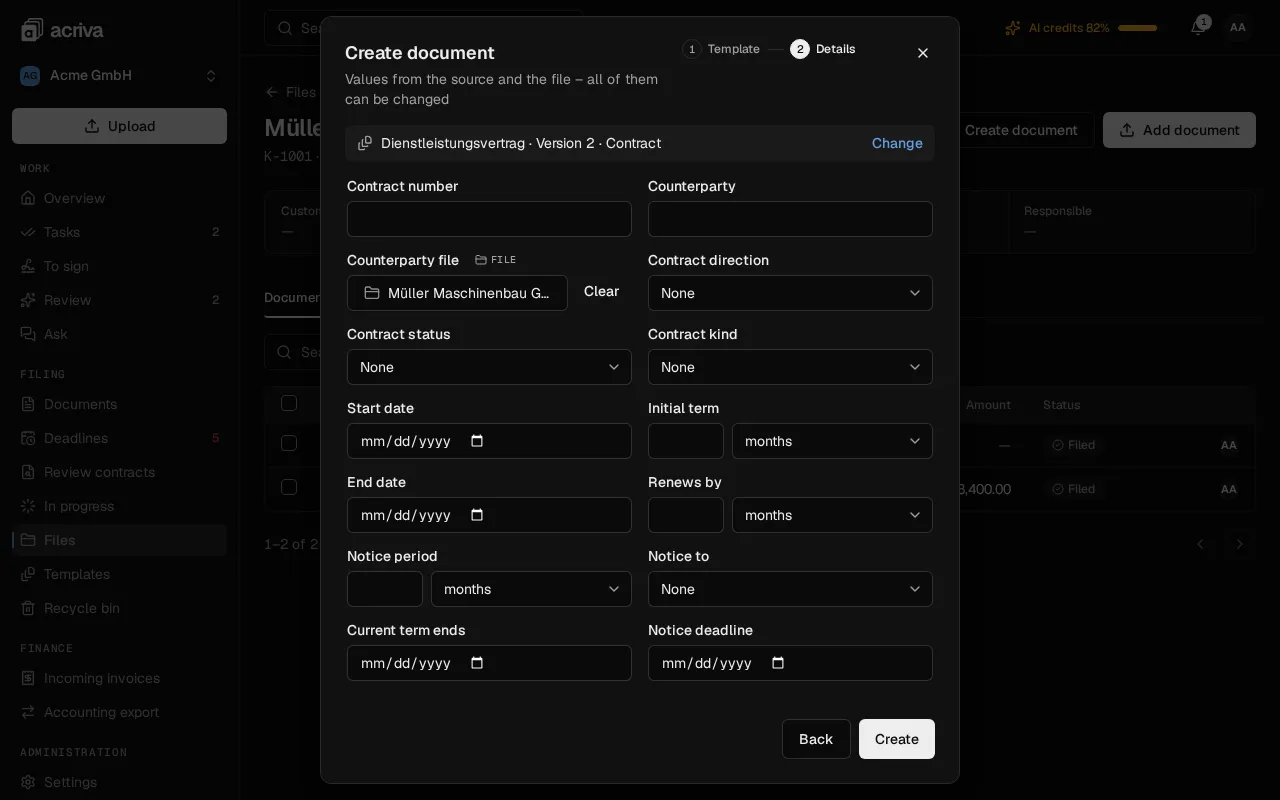
Select Create. The new document opens, and a message says Document created. Change goes back to the templates, and Back does the same.
If you may not create documents in the file you chose, the field says You may not create documents in this file. Choose another file., and Create stays off until you choose another one. A closed file, a template that is no longer released or the month’s document limit is shown in the dialog with what to do. A document created from a template counts toward the month’s documents like an upload.
See where a document came from
Section titled “See where a document came from”A document created from a template shows a line at the end of its panel: Created from the template with the template’s name and version, when and by whom. The name links to the template if you may read it; otherwise the line says that it came from a template, without its name.